
CRM Wordpress
Client and property workflows inside WordPress.
Complement your property presentation
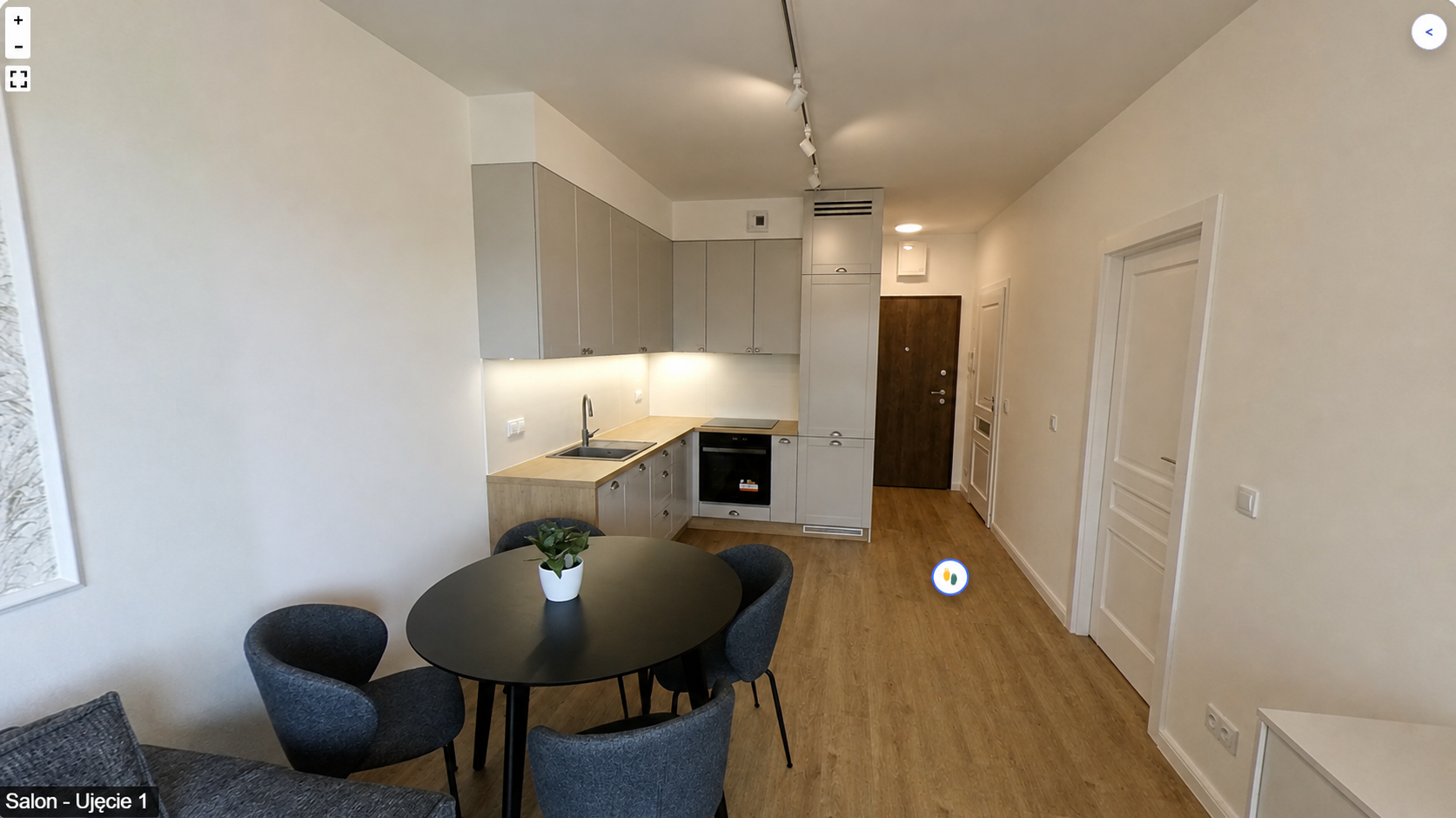
Estate Office Property Tour creates 360° presentations in WordPress from your own panoramas. Visitors move between views and use the floor plan to understand the property’s layout.
Create the tour
Add views, name rooms and connect them with navigation markers. The floor plan helps locate the selected view.
Sharing
Share a published presentation with a direct link or embed it using an iframe. A tour complements the description and photographs; it does not replace listing details or a conversation with the agent.
Choose the right product
Property Tour for WordPress is a separate product. Total also has its own presentation module. Confirm the correct edition and licence terms for your implementation.
Estate Office
Describe your installation and publishing workflow so we can help select the appropriate edition.