Estate Office Total
The CRM system and server for your agency.
Estate Office APP
Estate Office APP is an integral part of Estate Office Total. On Android, review a listing before a viewing, update client details after a conversation and add photos from your phone — without creating a second CRM database.
Actual Estate Office APP screens: dashboard, listings, photos and the indicative notarial cost calculator. The screenshots show the Polish application interface; the transaction details and calculation results are examples.
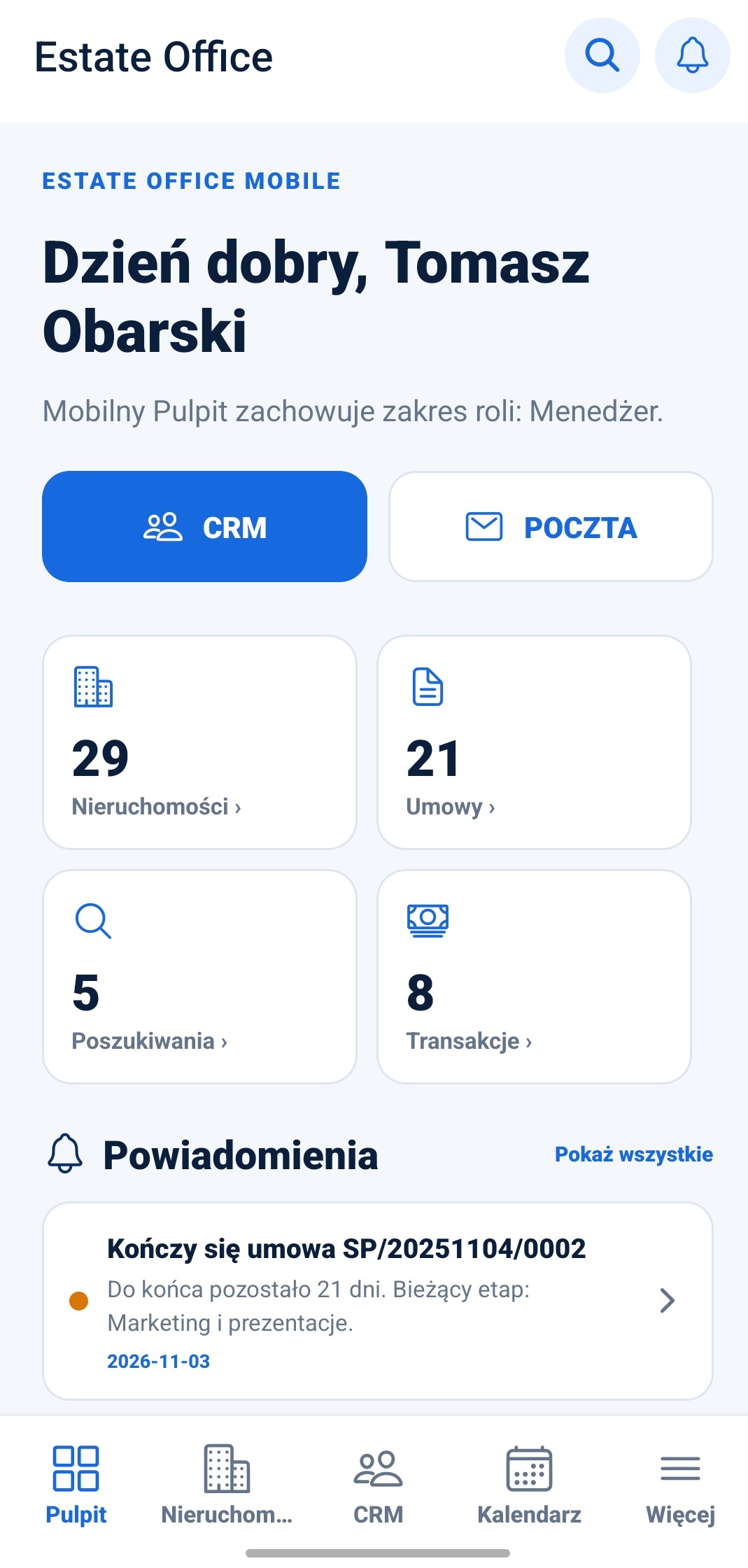
Mobile dashboard with access to CRM, mail, listings, agreements, requirements and transactions.
Open full screenshot ↗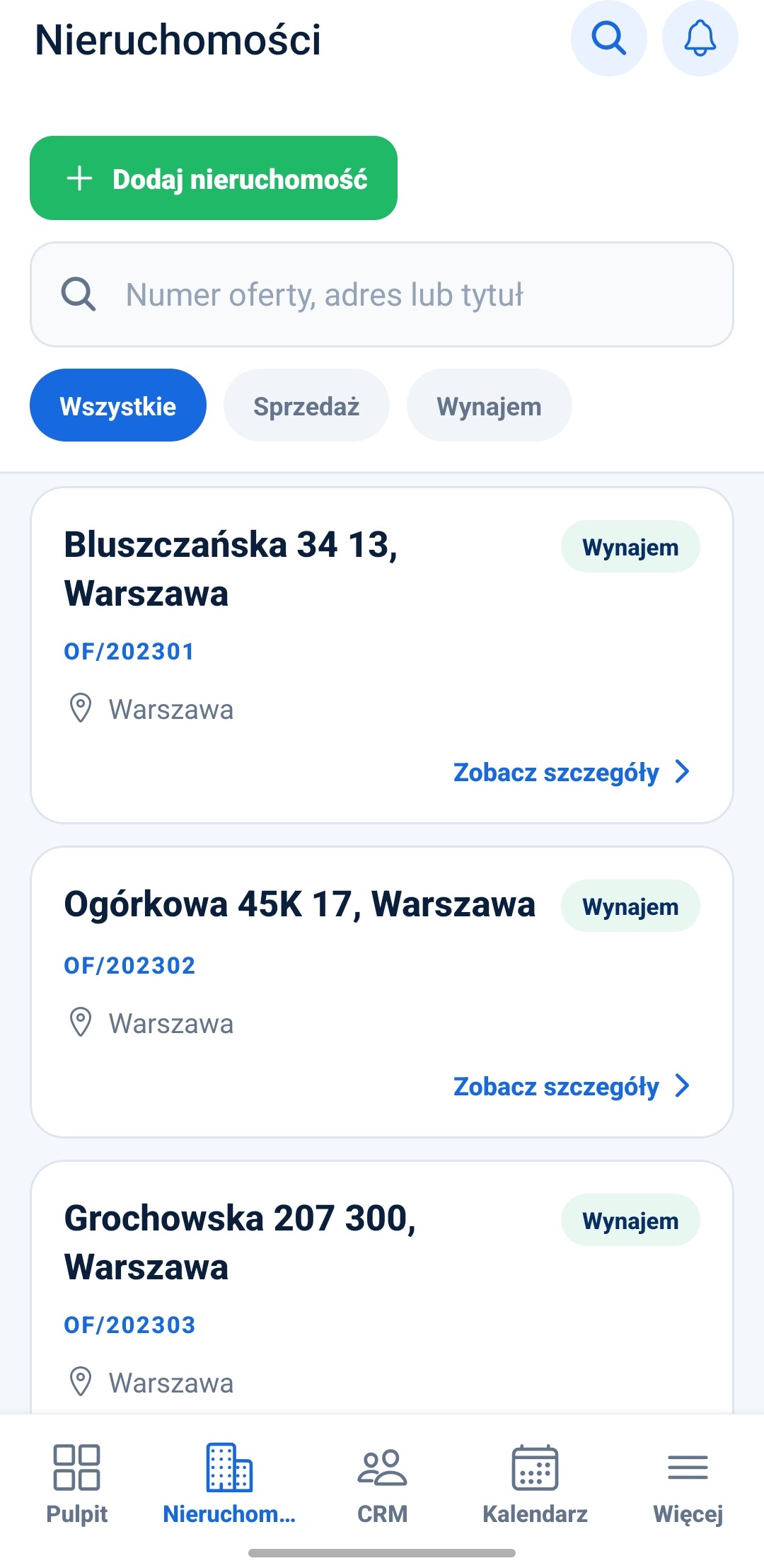
Property list with search, sale and rental filters, and links to listing details.
Open full screenshot ↗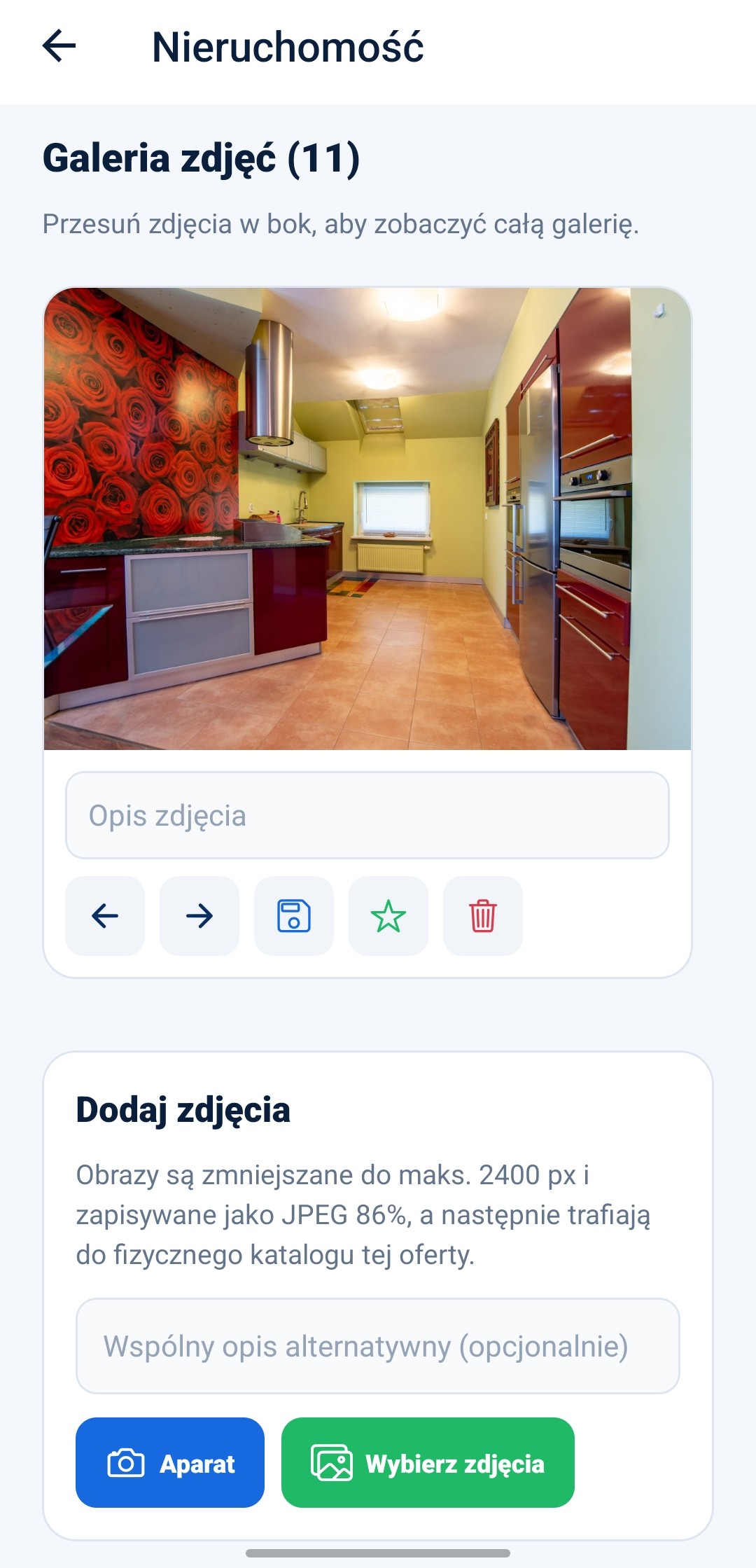
Property gallery with descriptions, ordering, cover selection and uploads from the camera or phone gallery.
Open full screenshot ↗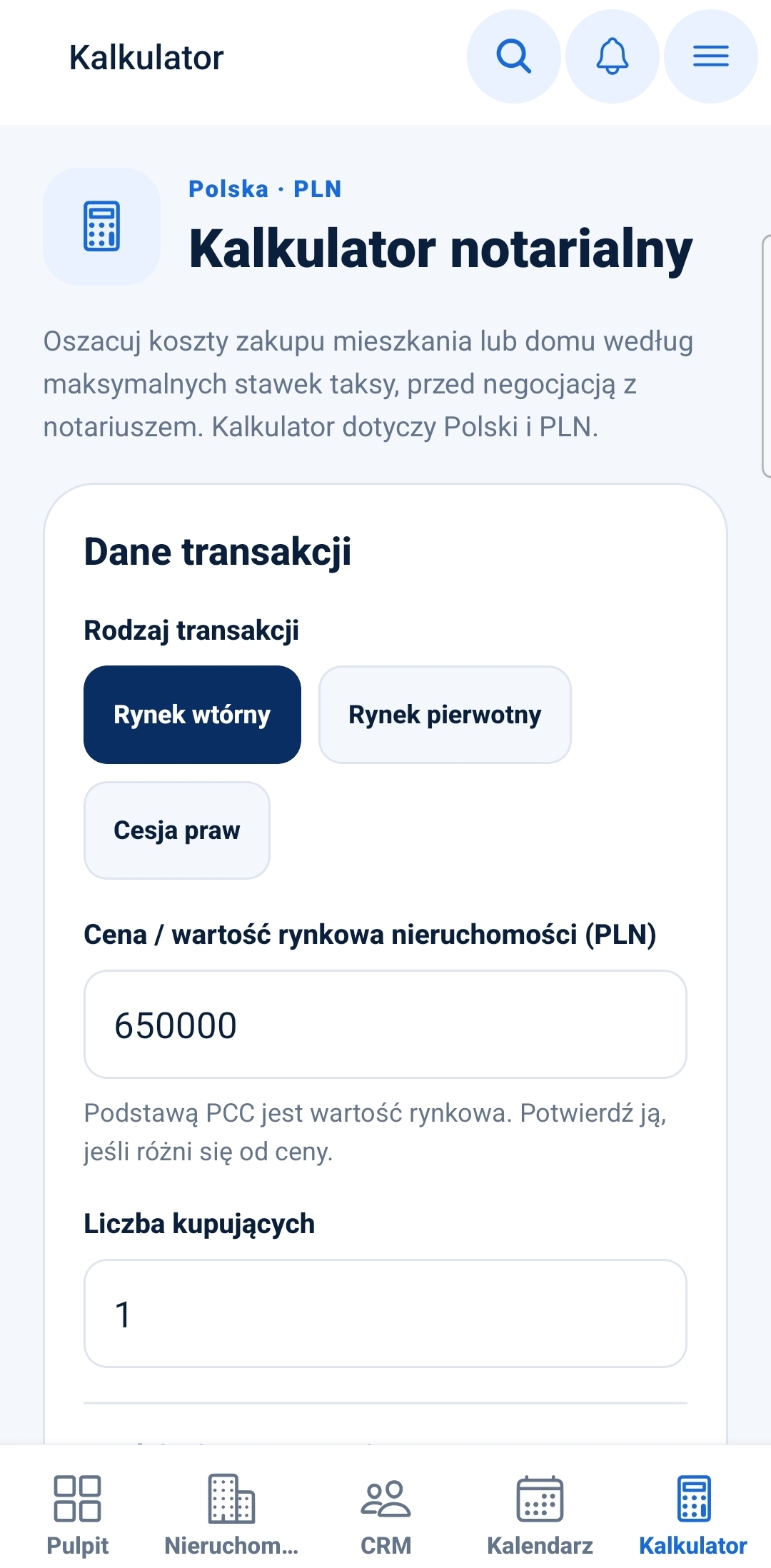
The notarial cost calculator for Poland and PLN: select a transaction type, then enter its value and the number of buyers.
Open full screenshot ↗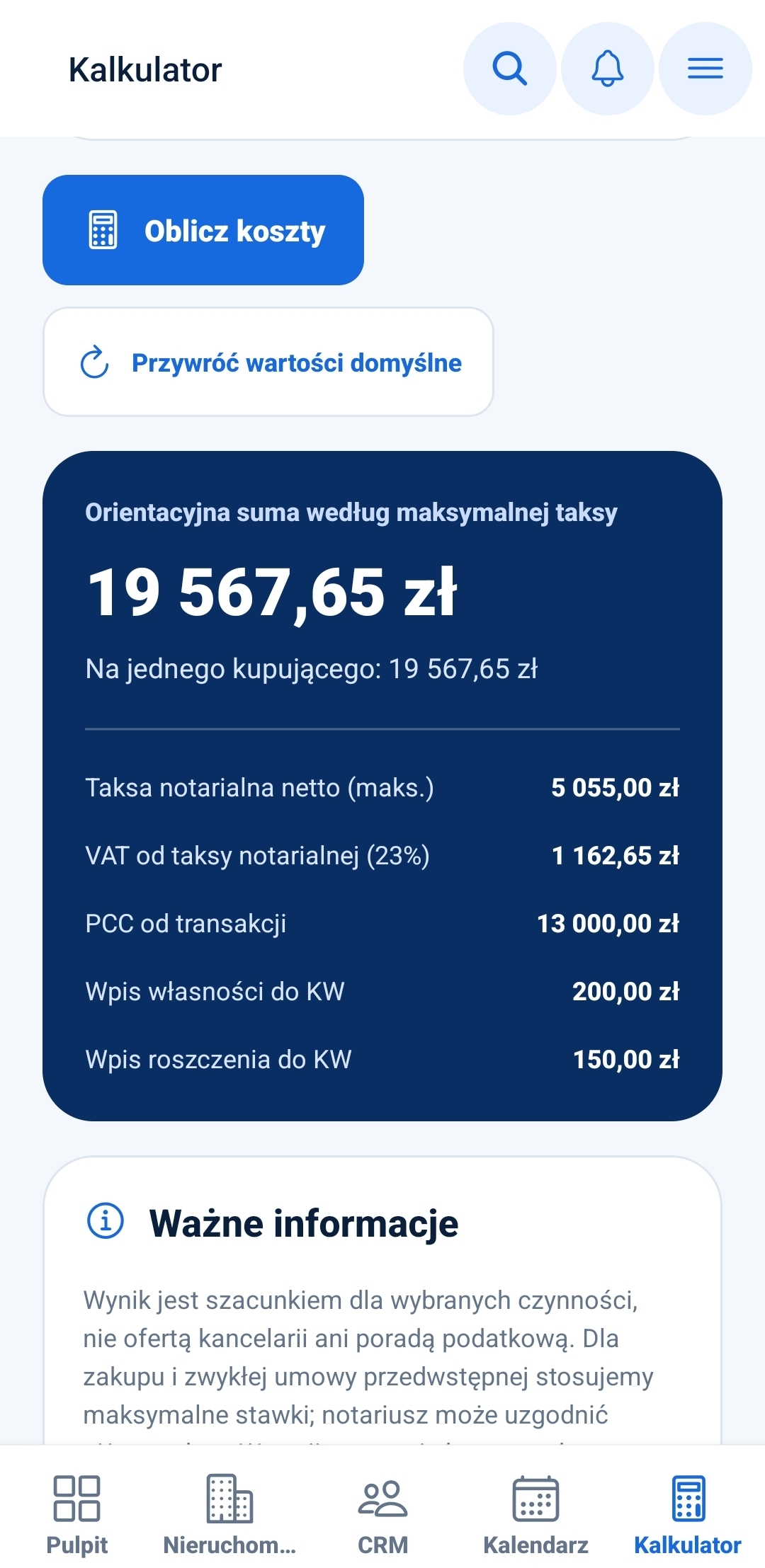
An example breakdown of indicative costs, including an amount per buyer and the limitations of the calculation. This is not a notary's quotation.
Open full screenshot ↗CRM in the field
Find a client, listing or requirement and open related agreements and transactions. The mobile dashboard reflects the scope available to your role.
Photos from your phone
Take a photo or choose images from your phone’s gallery. Photos are saved against the correct property in Total, where the rest of your team can also use them.
Mail and your schedule
Use your connected Total mailbox and calendar. Read messages, plan events and tasks, and check notifications within the application.
One system
Connect the application to your Total installation and sign in with your account. Changes are sent to the agency’s server; there is no separate database to merge manually later.
Notarial cost calculator
Prepare an indicative breakdown of transaction costs in Poland, in PLN, on your phone. Choose the transaction type and enter the details to see the estimated total and its components — within Estate Office APP, an integral part of Total.
FAQ
No. Estate Office APP is an integral part of Total and uses your agency’s installation, records and permissions. There is no second client or listing database to maintain.
No. The Android application described here is designed for Estate Office Total, not the CRM WordPress plugin.
Reading records and saving changes require a connection to the Total server. The application does not provide an independent CRM database or offline-edit synchronisation.
Estate Office
Connect CRM, your agency website and mobile working. Explore Total and let us plan a setup that fits your team.